Encode Boards#

Setup#
[ ]:
import importlib.util

DEV = True

if importlib.util.find_spec("google.colab") is not None:
    MODE = "colab-dev" if DEV else "colab"
else:
    MODE = "local"
[2]:
if MODE == "colab":
    %pip install -q lczerolens
elif MODE == "colab-dev":
    !rm -r lczerolens
    !git clone https://github.com/Xmaster6y/lczerolens -b main
    %pip install -q ./lczerolens
Create a Board#
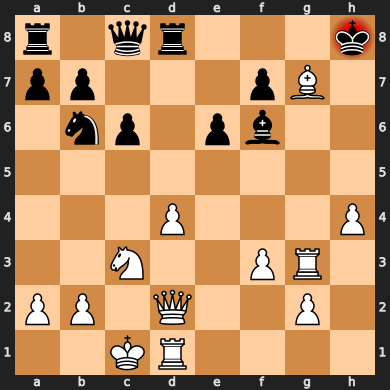
Create a board from a FEN string.
[3]:
from lczerolens import LczeroBoard

board = LczeroBoard("r1qr3k/pp3pB1/1np1pb2/8/3P3P/2N2PR1/PP1Q2P1/2KR4 b - - 0 22")
display(board)
Encode a Board#
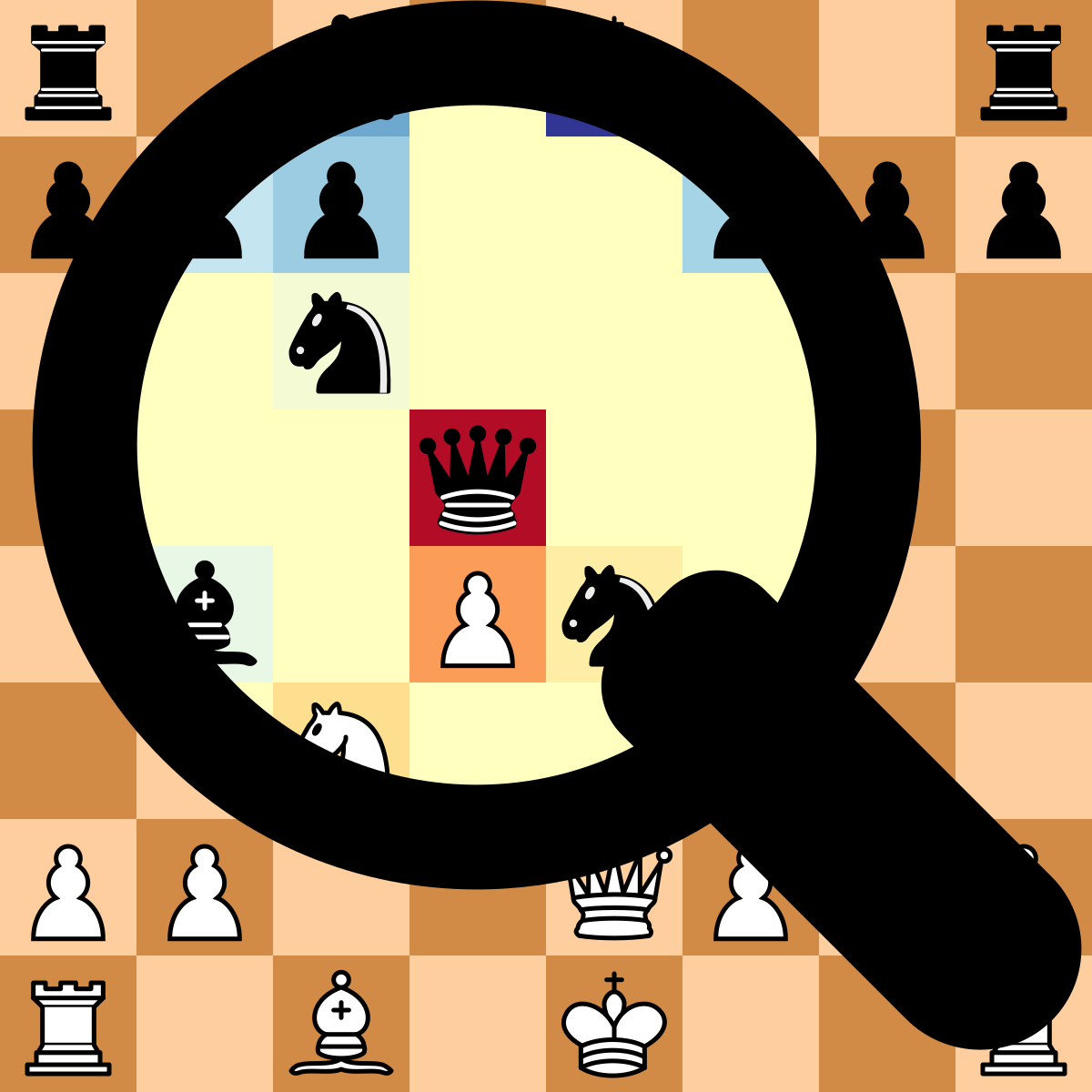
We can now encode the board into a tensor, and we’ll visualize the planes.
[4]:
import IPython.display

input_tensor = board.to_input_tensor()

plane_idx = 3  # our rooks

svg_board, svg_colorbar = board.render_heatmap(input_tensor[plane_idx])
display(IPython.display.HTML(f"{svg_board}{svg_colorbar}"))
See the to_input_tensor method for more details.